Filter the calendar
Who can do it: Everyone
Where: Work › Compliance calendar , tab Due
- Click a filter and pick a choice: Company, Authority (GST, Income Tax…) or Clients (Only my clients).
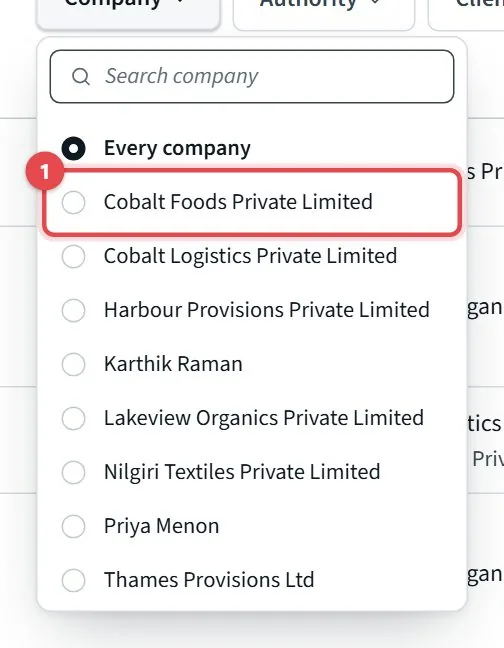 Pick a company to see only its filings.
-
For more filters, click Customize and tick Show (filings, reminders or both) or Status.
-
Click Clear all to remove every filter.
"Only my clients" means the clients you are the Key Manager or a SPOC for.