Send client emails from your own address
Who can do it: Partner
Where: Settings › The firm › Your firm › Client emails
Before you start: Your IT person has set up your mail provider to allow BiB to send for your domain.
BiB sends an email to a client in the name of that client's SPOC for the work, or its Key Manager. A reply reaches that person.
-
Open Client emails.
-
In Domains we may send from, type your domain, for example sampleco.in. One per line.
-
Click Save domains.
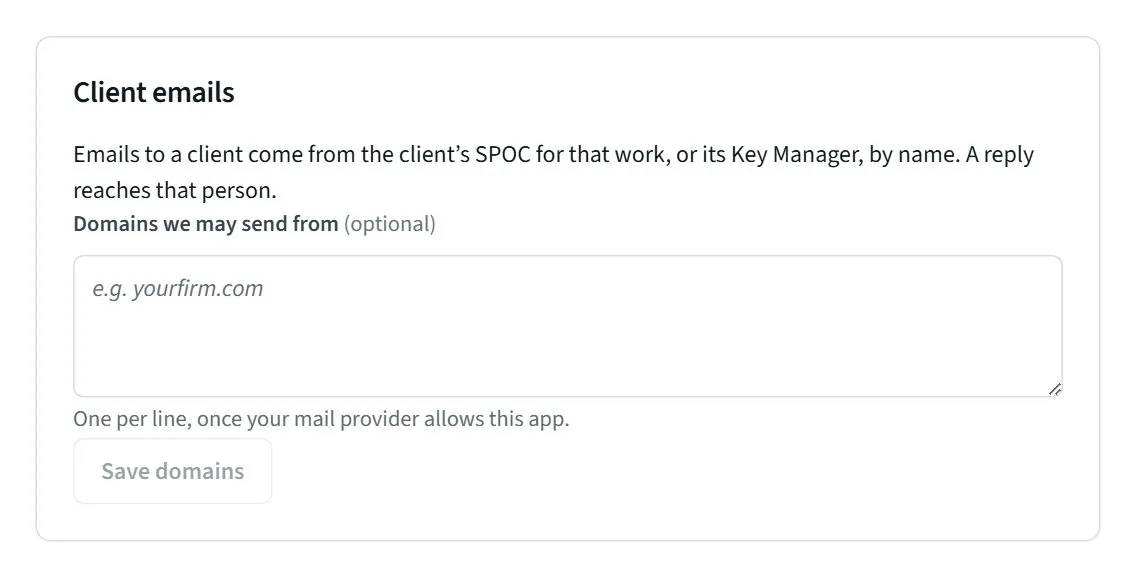 Client emails. Empty means emails go from BiB's own address.
With a domain listed, BiB says "Saved. Colleagues on these domains now send client emails from their own address." With none, "Client emails go from the app's address, with your colleague's name."
Ask your IT person first. If your mail provider does not allow BiB, emails sent "from" your domain can land in spam.