Set the advance reminders
Who can do it: Partner
Where: Settings › The firm › Your firm , then Advances under Billing
When a letter asks for an advance, BiB drafts the advance invoice on signing. These settings decide when someone is reminded about it.
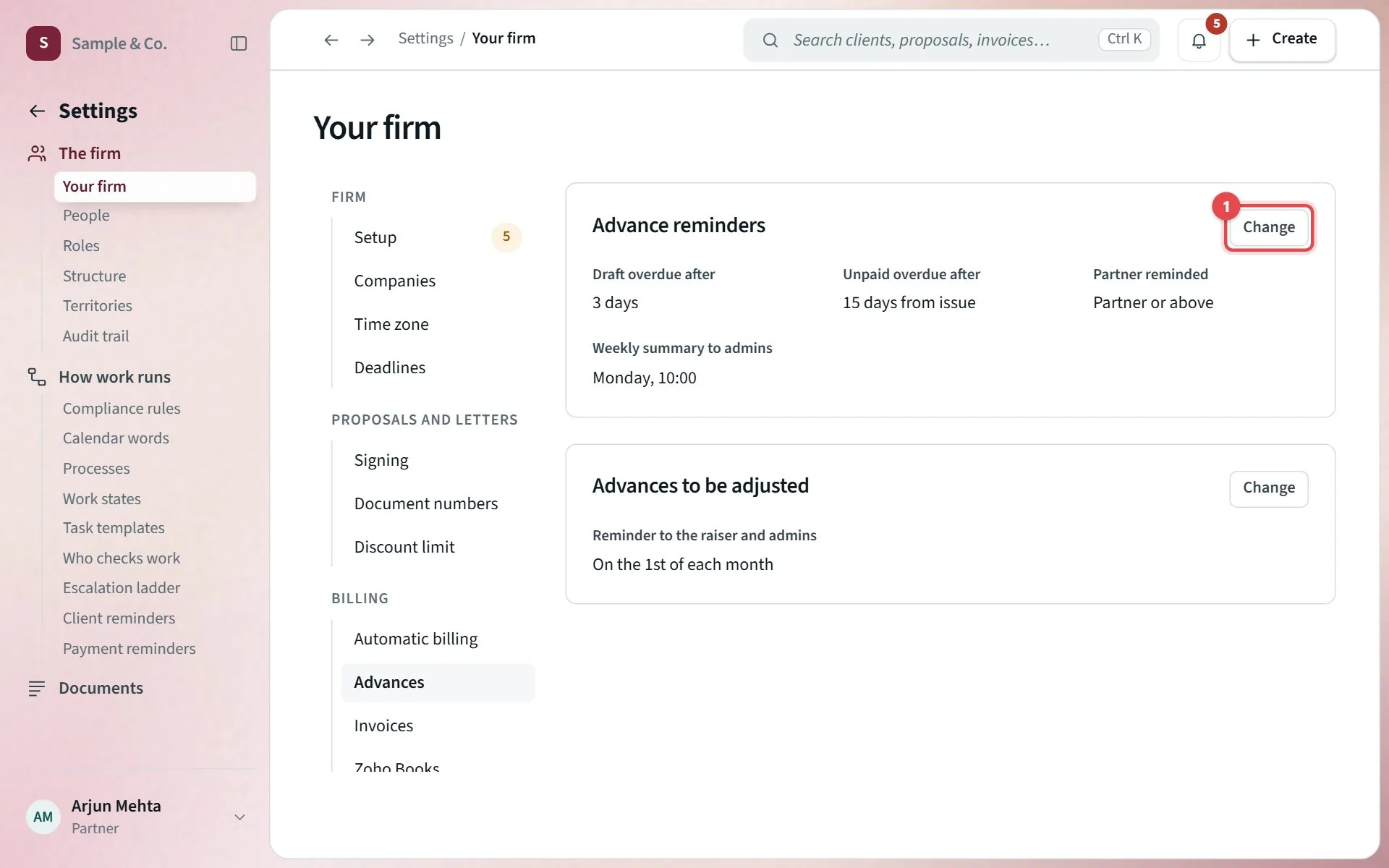 Advances: the reminder settings. Change (1) opens them.
-
In Advance reminders, click Change.
-
Set Draft overdue after (days). This is counted from signing, for an advance invoice not yet issued.
-
Set Unpaid overdue after (days). This is counted from issue, for an advance not yet paid.
-
In Partner reminded, choose who hears about a late advance: the first person above the client's Key Manager with this role or above.
-
Set Weekly summary on and At: the day and time every admin gets a summary.
-
Click Save.
In Advances to be adjusted, click Change to choose the day of the month (Remind on) when BiB reminds people about advances taken before a letter that are not yet matched to services.