Set up payment reminders
Who can do it: Partner
Where: Settings › How work runs › Payment reminders
Payment reminders are the steps your firm follows when an invoice is late, for example "3 days past due: First reminder". When an invoice reaches a step, BiB records that step on the invoice. BiB checks once a day.
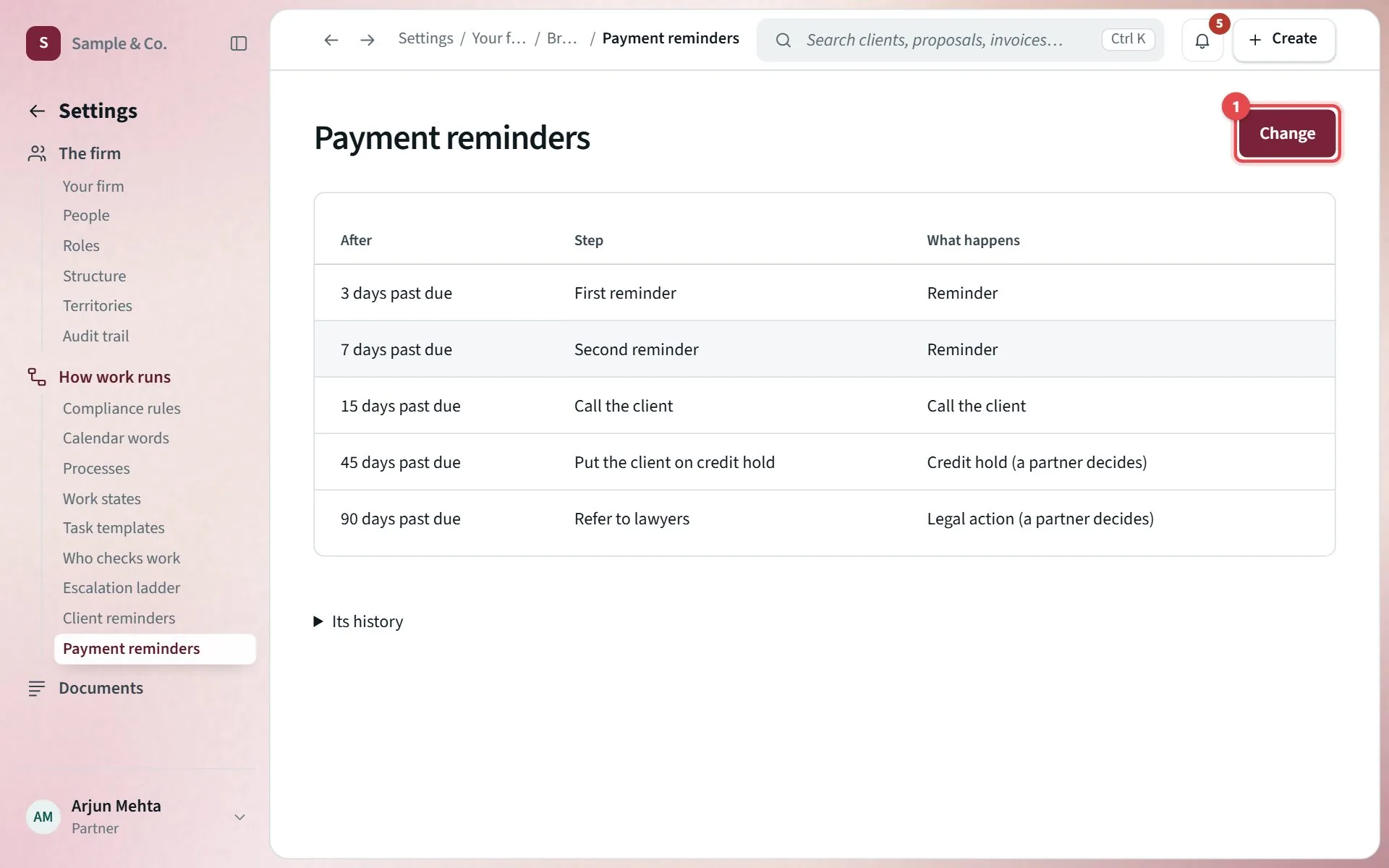 The sample firm's steps. Click Change (1) to edit them.
-
Click Change. On a firm with no steps yet, the page says "No reminder steps yet" and the button is Add the first step.
-
For each step, fill in:
- Days past due, for example
7. - What to call it, for example
Second reminder. - What happens: Reminder, Call the client, Credit hold or Legal action.
- Days past due, for example
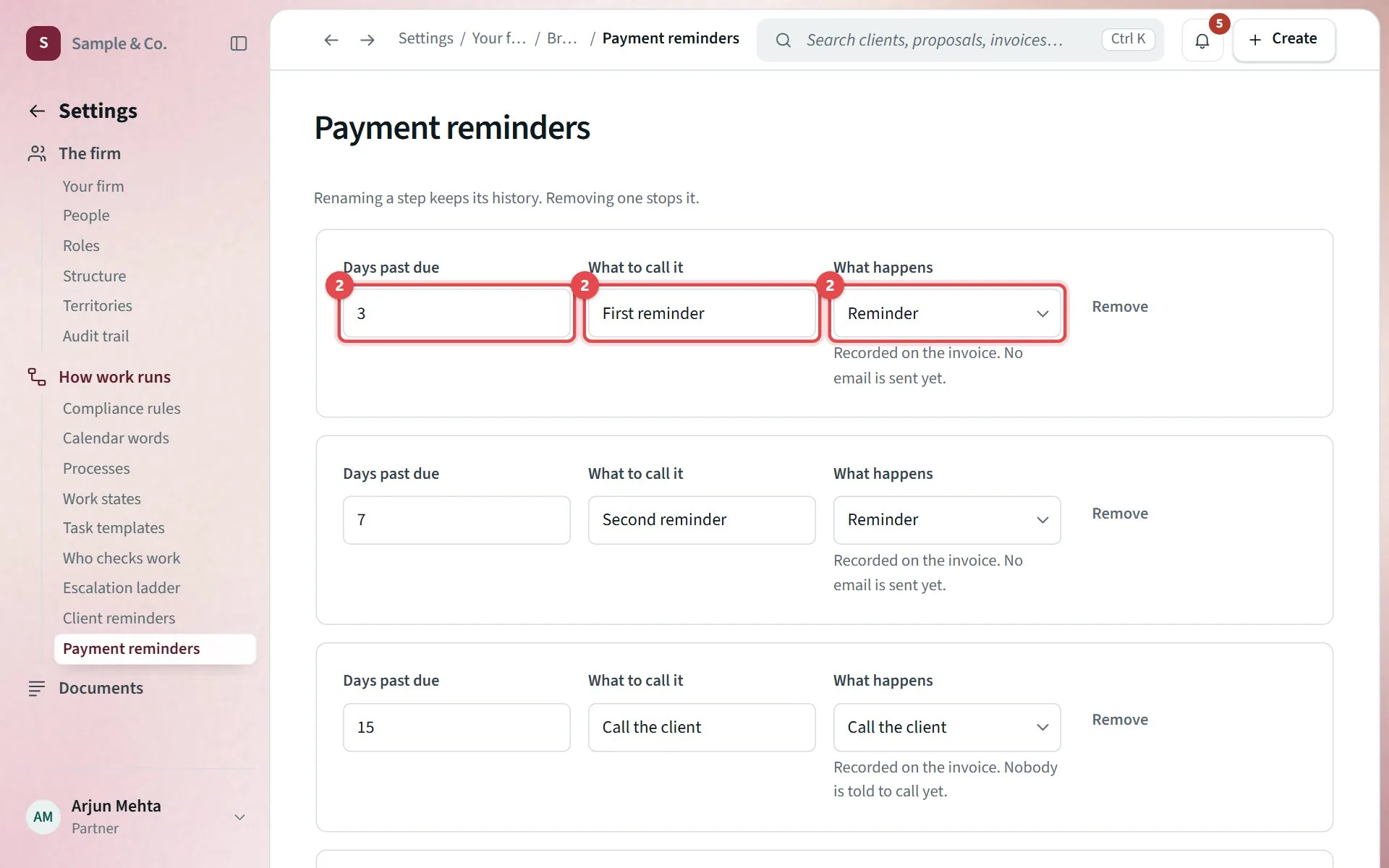 Each step's three boxes (2). The hint under What happens says what it really does.
-
Click Add a step for another one. Click Remove to take one out.
-
Click Publish. Or click Save as draft to publish later.
The page says "Published. Overdue invoices follow these steps from the next daily run."
BiB does not email or call the client. A Reminder step sends no email, and a Call the client step tells nobody to call. Both are only recorded on the invoice ("Recorded on the invoice. No email is sent yet."). Someone at the firm must still email or call the client. Use Email on the invoice to send it again.
Credit hold and legal action wait for a partner. When an invoice reaches one of these steps, it appears under Waiting for a decision on Billing › Receivables . The partner's answer is recorded with their name. It blocks nothing: work and new invoices go on as before.
Each step must come later than the one above. 3, 7, 15, 45 and 90 days is fine. A step at 5 days under a step at 7 days is refused.
| You see | Do this |
|---|---|
| "Enter the days past due, e.g. 7." | Fill in Days past due. |
| "Use 1 day or more." | A step on the due date itself is not allowed. Use 1 or more. |
| "Make it more than the step above (7)." | Use a larger number than the step above. |
| "Give this step a name." | Fill in What to call it. |
| "Choose what happens." | Pick an option in What happens. |