Record a signature on paper
Who can do it: Partner, manager or associate
Where: The letter's page (status Sent), section Where it stands
-
When the signed copy comes back, open the letter.
-
Under Record the signature, type Who signed, In what capacity (for example Director) and Where the paper is (for example "Signed copy in the client file").
-
Click Record the signature.
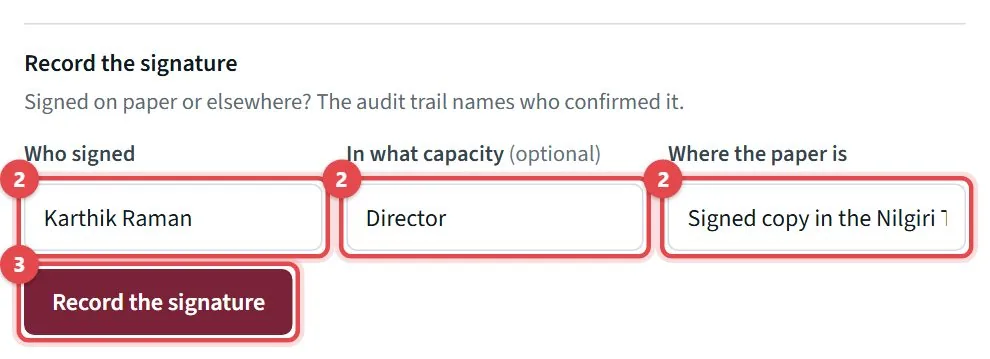 Recording Karthik Raman's signature on Nilgiri's letter.
Note
When the client agreed but will not sign A partner can click Record client's acceptance instead and attach the client's email. It warns: "… is marked signed and its work starts. The client can no longer sign it in DocuSign. This cannot be undone."