Send a letter for signing on paper
Who can do it: Partner, manager or associate
Where: The letter builder, step Preview and send
Use this when the client signs a printed copy or a PDF outside DocuSign. BiB sends nothing: you send the PDF yourself.
-
Click Download PDF and keep the file.
-
Click Lock it as sent, then Lock it.
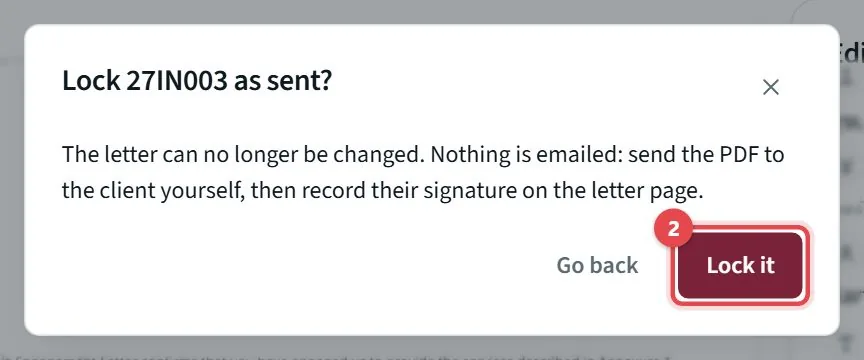 Locking the letter. Nothing is emailed.
- Send the PDF to the client yourself.
The letter waits on the Sent tab: "Nothing was emailed from here. If you have not yet, download the PDF and send it to the client yourself, then record their signature below."