Start something new with Create
Who can do it: Everyone; what you see in the list depends on your role
Where: Create, at the top right of every page
-
Click Create (1).
-
Pick what to start.
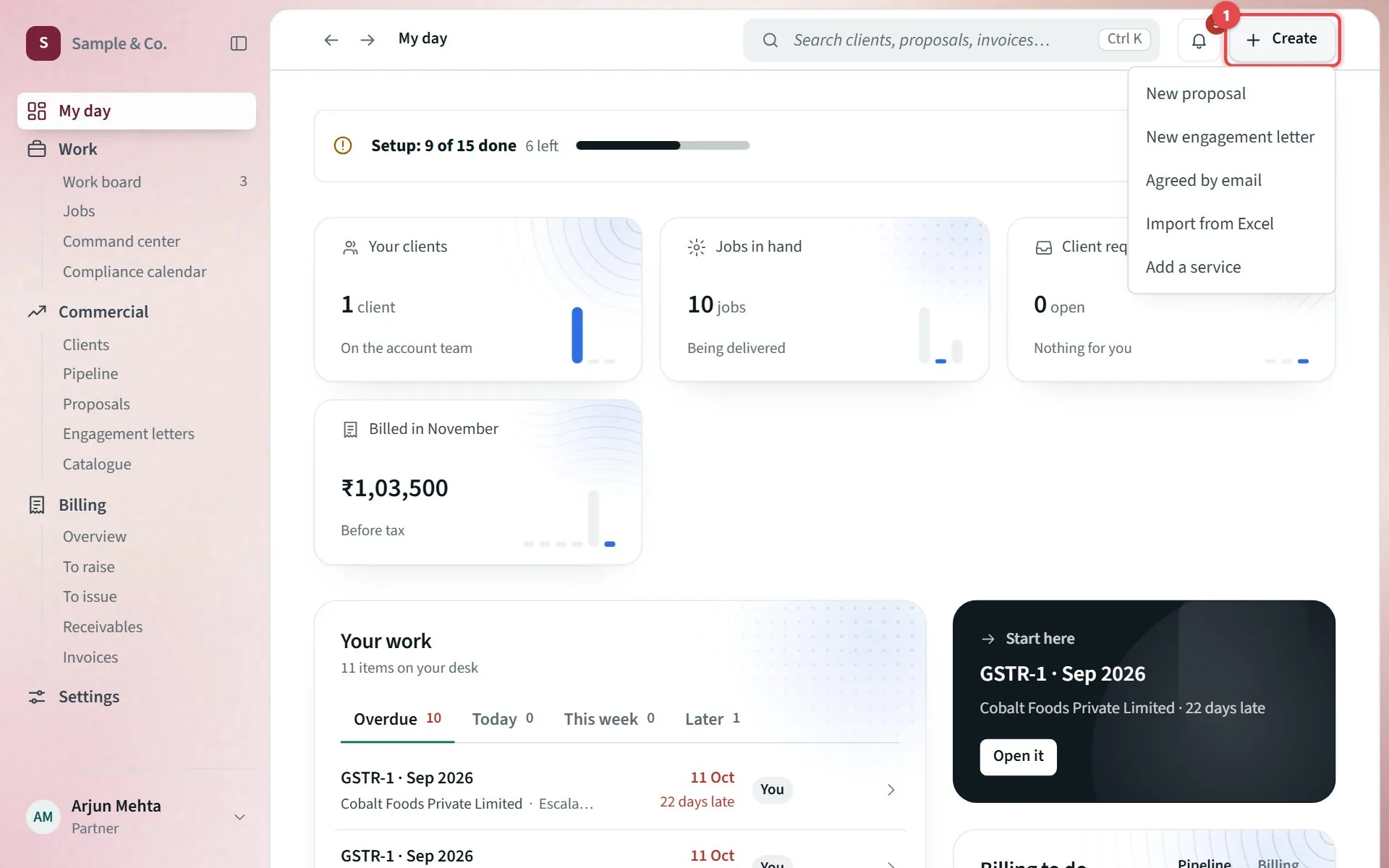 The Create list, as a partner sees it.
| Item | What it starts | Who sees it |
|---|---|---|
| New proposal | A fee proposal for a client or a lead | Anyone who can open Proposals |
| New engagement letter | An engagement letter | Anyone who can open Engagement letters |
| Agreed by email | Work a client agreed to by email, with no letter | A partner, to start with |
| Import from Excel | Many clients at once, from a spreadsheet | A partner, to start with |
| Add a service | A new service in the Catalogue | A partner who can see fees |
Each of these is covered in its own chapter. A manager sees only the first two.