Check who signs the letters
Who can do it: Partner
Where: Settings › The firm › Your firm › Signing
- Open Your firm and the Signing section.
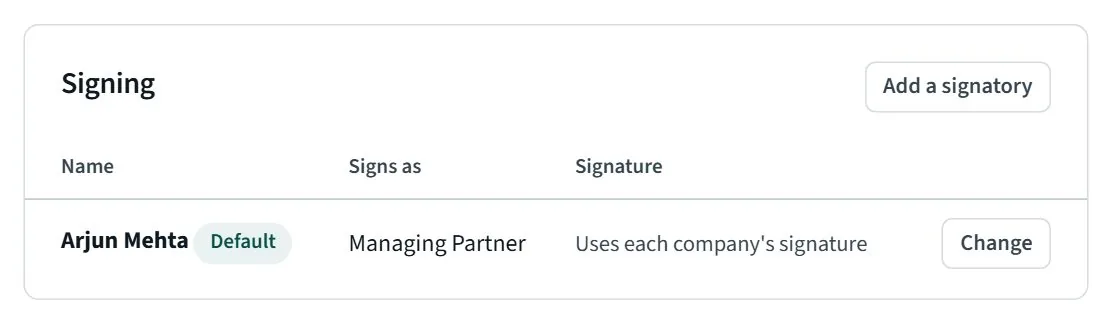 The people who sign the firm's letters. The Default one signs unless someone else is chosen.
-
To add someone, click Add a signatory, pick Who, type Signs as (printed under the signature, for example "Managing Partner"), and save.
-
To make someone else the default, open More on their row and click Make default.
Good to know
Which signature image prints A person's own signature image, if you upload one with Change on their row. If not, the Default person signs with the company's Signature from Brand ("Uses each company's signature"). Anyone else with no image of their own signs with no image.
Note
The signature image is added when the letter is sent. A draft's preview without it is normal.