Raise an invoice by hand
Who can do it: Partner or manager (anyone whose fees are visible)
Where: Billing › Invoices
Use this for anything no letter covers, such as a one-off fee.
-
Click Raise an invoice.
-
In Bill to, choose the client.
-
In Charged by, choose the firm's company that bills it.
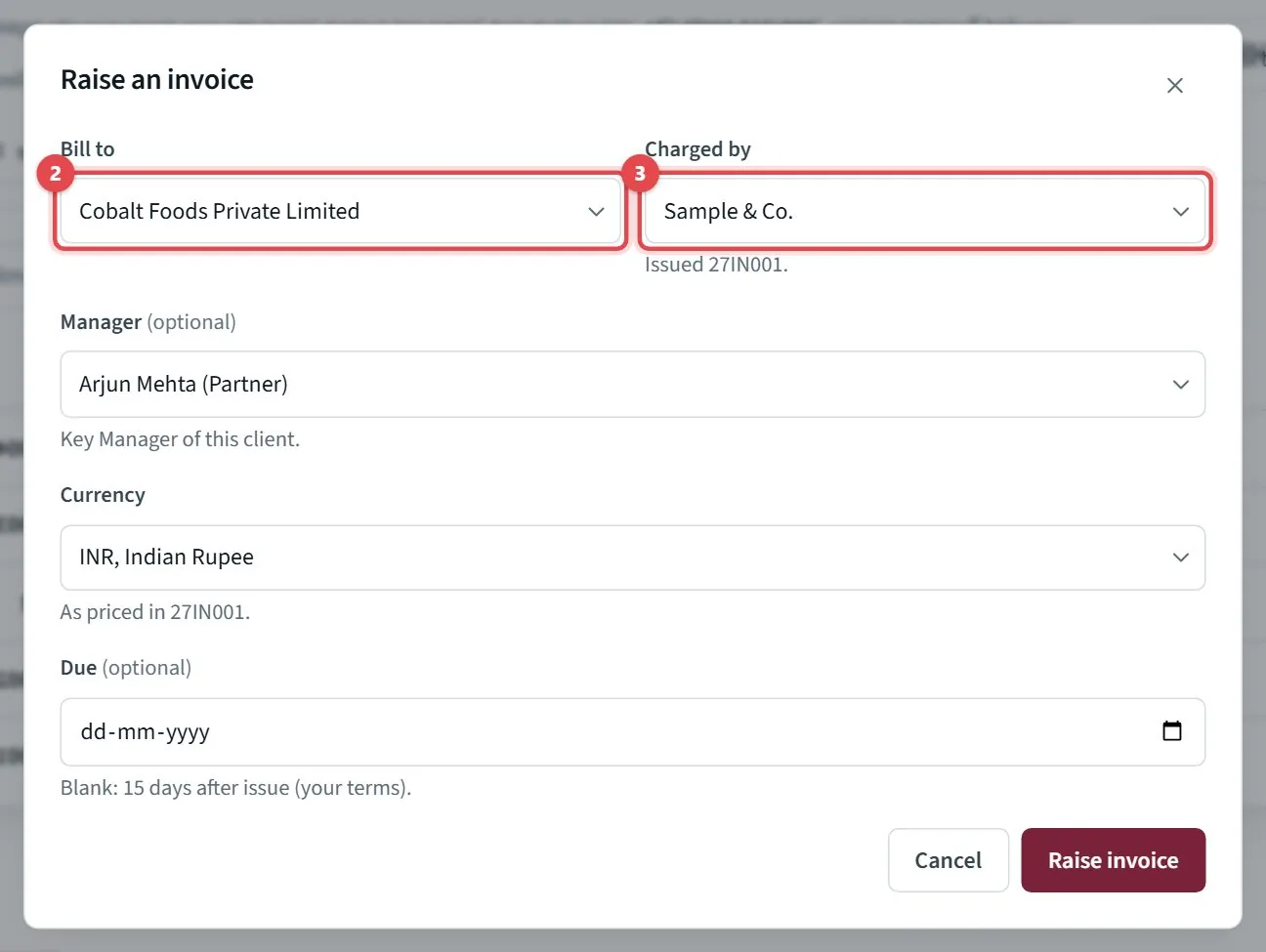 Raise an invoice: the client (2) and the company (3).
-
Optional: choose a Manager (blank means the client's Key Manager), the Currency, and a Due date (blank means your payment terms).
-
Click Raise invoice. The draft opens. Add its lines (next task).
Good to know
A hand-raised line stops BiB's own bill If you bill a one-time service by hand, BiB will not bill it again when the job is done.