Approve everything at once
Who can do it: Anyone who may approve at least one part. It approves only what you are allowed to.
Where: Work › Command center , the client
-
Open the client and click Approve everything at the bottom.
-
Read the box and click Approve everything again (or Go back).
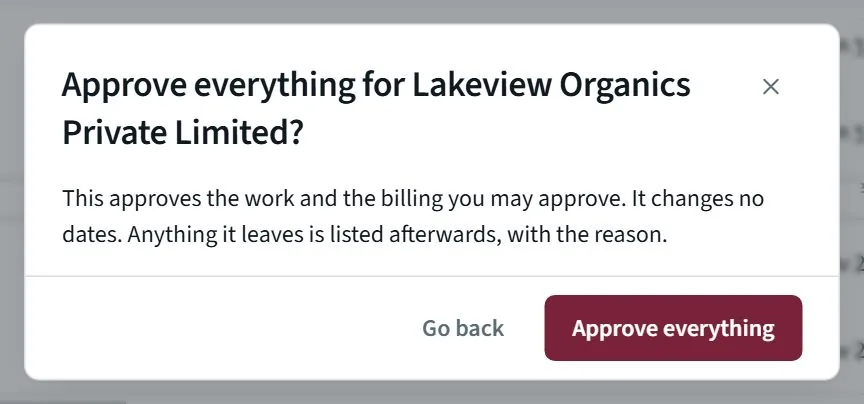 The box before anything is approved.
- Read what it did, and the yellow list of what it left, with the reason (3).
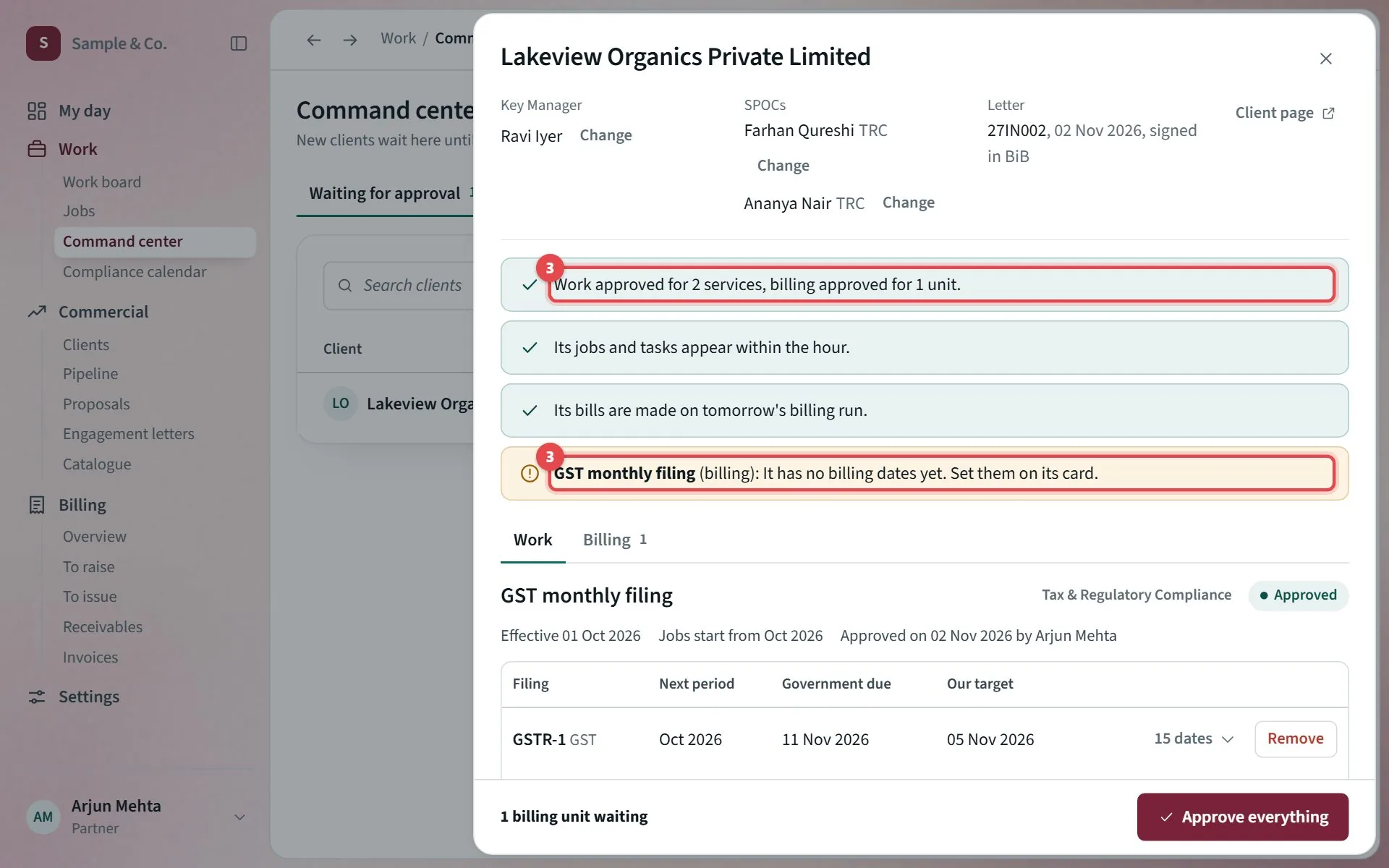 After Approve everything: the work is approved; the billing is left until its dates are set (3).
Watch out
It never sets dates. A billing line with no dates saved is left: "It has no billing dates yet. Set them on its card." Open the Billing tab, check both dates and click Approve billing on that line.