Tick the checklist
-
Open the task. In the side sheet, click the Checklist tab.
-
Tick each line as you do it (2). To add a line, type it in the empty box under the list and click Add. Remove drops a line that is not ticked.
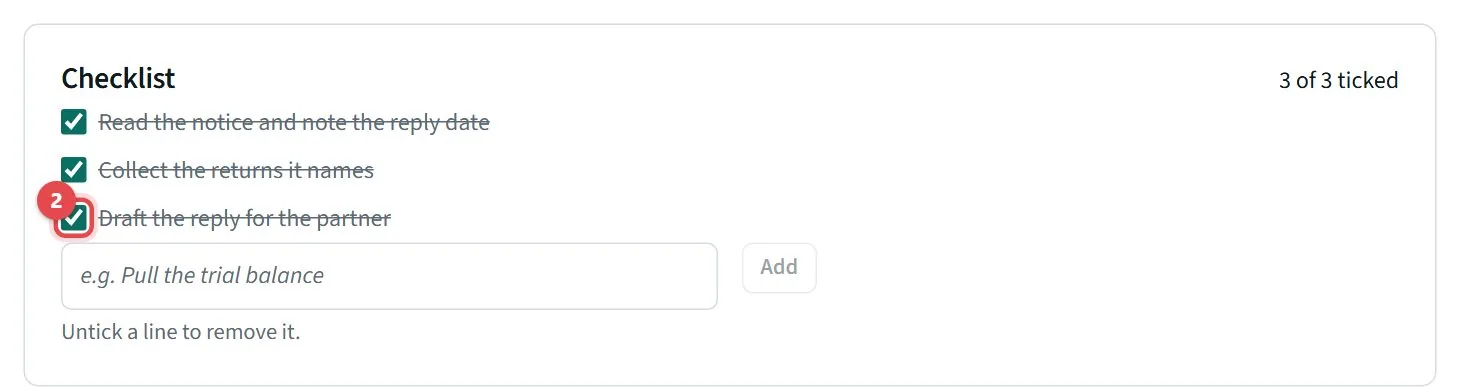 Two of three lines ticked. The last one is next.
Good to know
Every line must be ticked before the task goes for checking. A ticked line cannot be removed: untick it first.